Ripple Micro · guest WiFi
WiFi for meeting-room guests
A small device, set up once in the meeting room. Guests connect and get your network name and password in ten seconds, on a laptop or a phone.
- Size
- 32 × 30 × 7 mm
- Power
- USB-C, 5 V
- Radio
- WiFi 2,4 GHz
- Updates
- By itself, over the internet
Drag to rotate
The product
How small it is
It mounts anywhere without being noticed and needs only a USB-C cable. One setup, then you forget about it.
- Devices connected at once
- 10
- Connection history
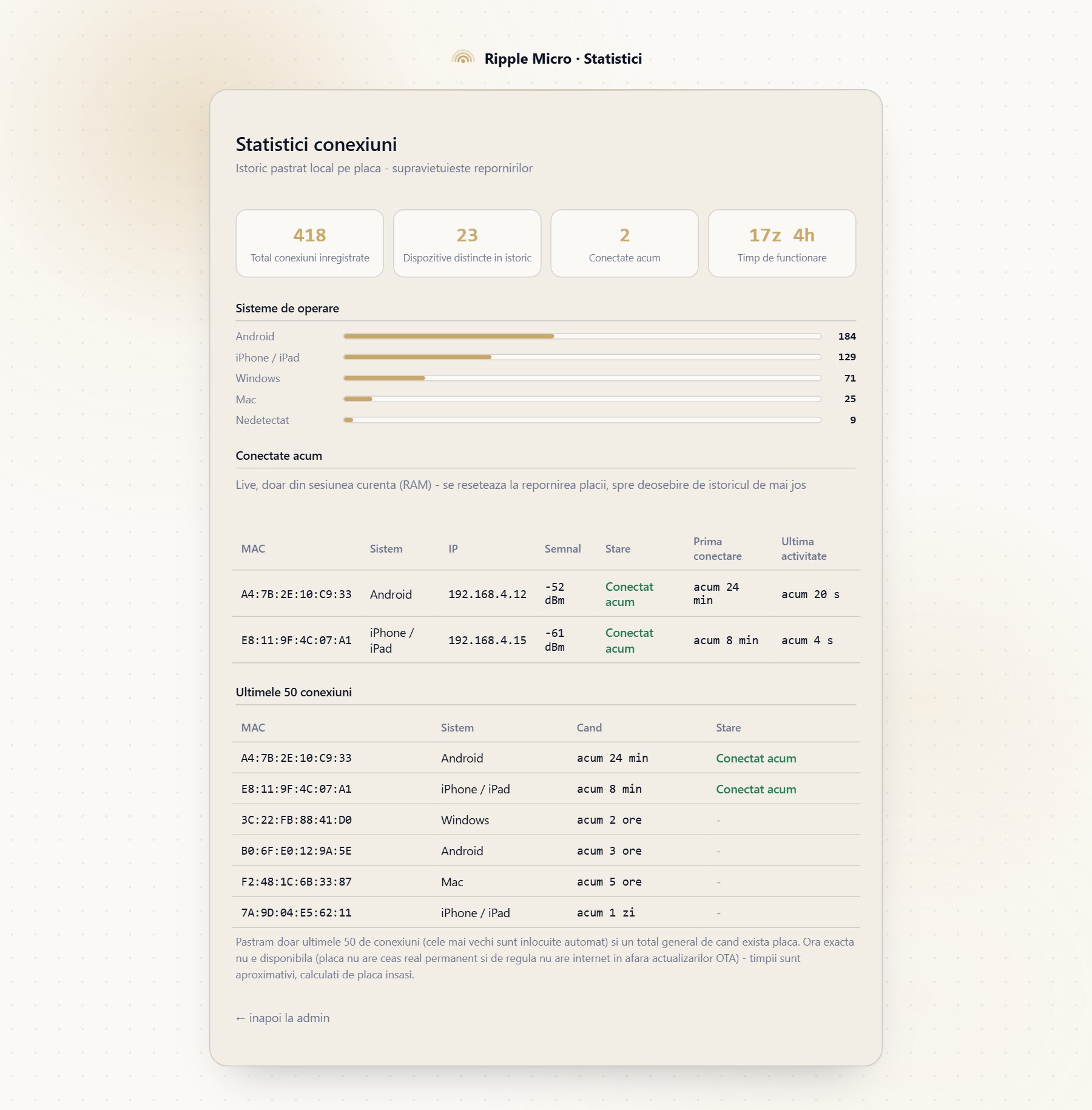
- Last 50
- Systems covered
- iOS, Android, Windows, macOS, ChromeOS, Linux
- Administration
- From a web page
Demo
How a guest connects
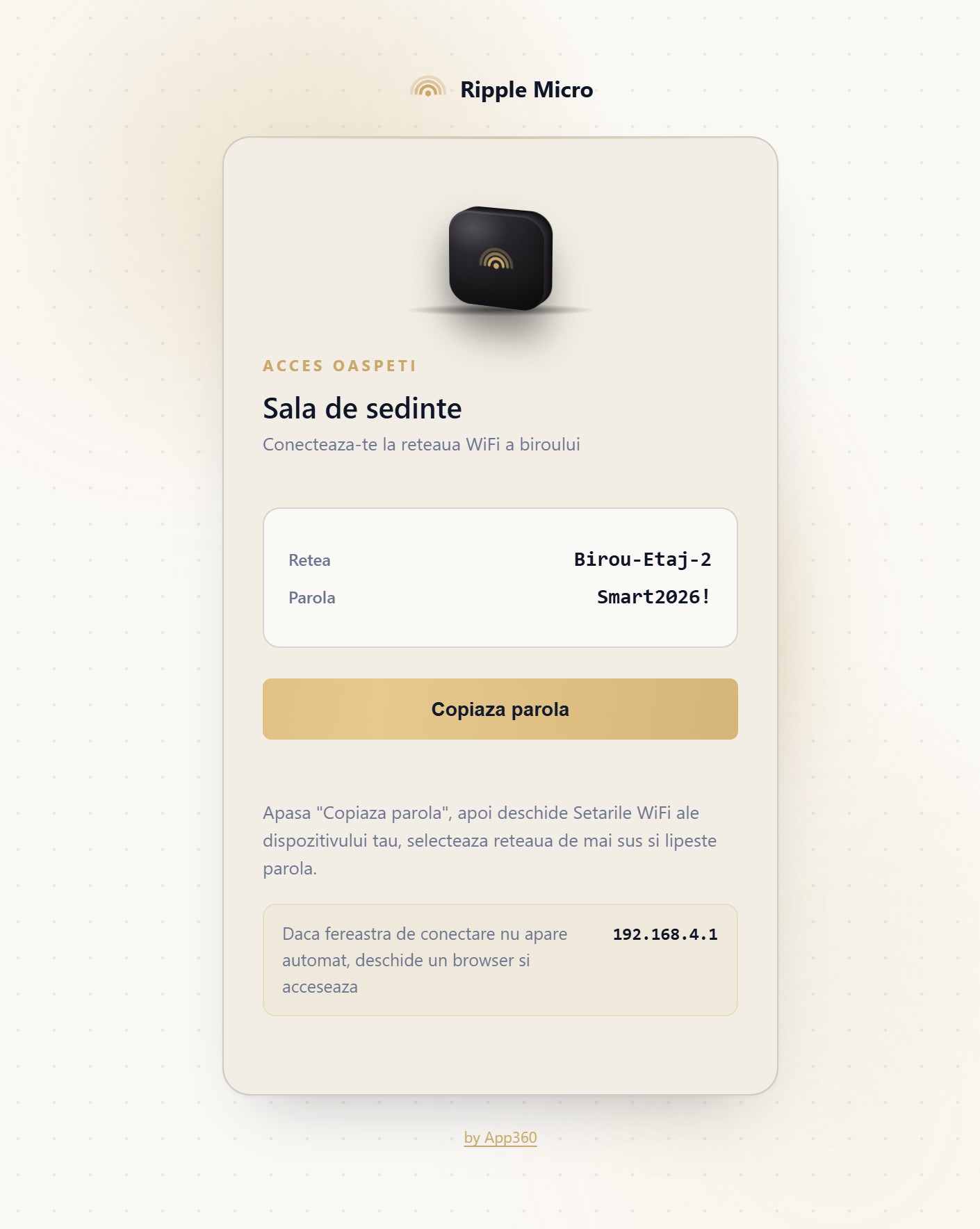
Real, unedited recording: connecting to the device and copying the password.
For guests
Guests install nothing
There is no QR code to scan, no app to install, and nobody has to dictate the password. The page opens by itself, with a button that copies the password.
It works on laptops too, where a QR code does not help. Guests do not need an account and are not asked for an email address.
For the host
Managed from the browser
- Room name, network, password
- From the browser
- Auto disconnect
- After the minutes you choose
- Firmware update
- Over the internet, two taps
- History
- Kept across restarts
Is something taking up too much of your time?
Write us a few lines about it. We will reply with a proposal and a price.